Total Quality Logistics (TQL) · Jan 2025–Jun 2026
Modernizing TQL’s Logistics Platform
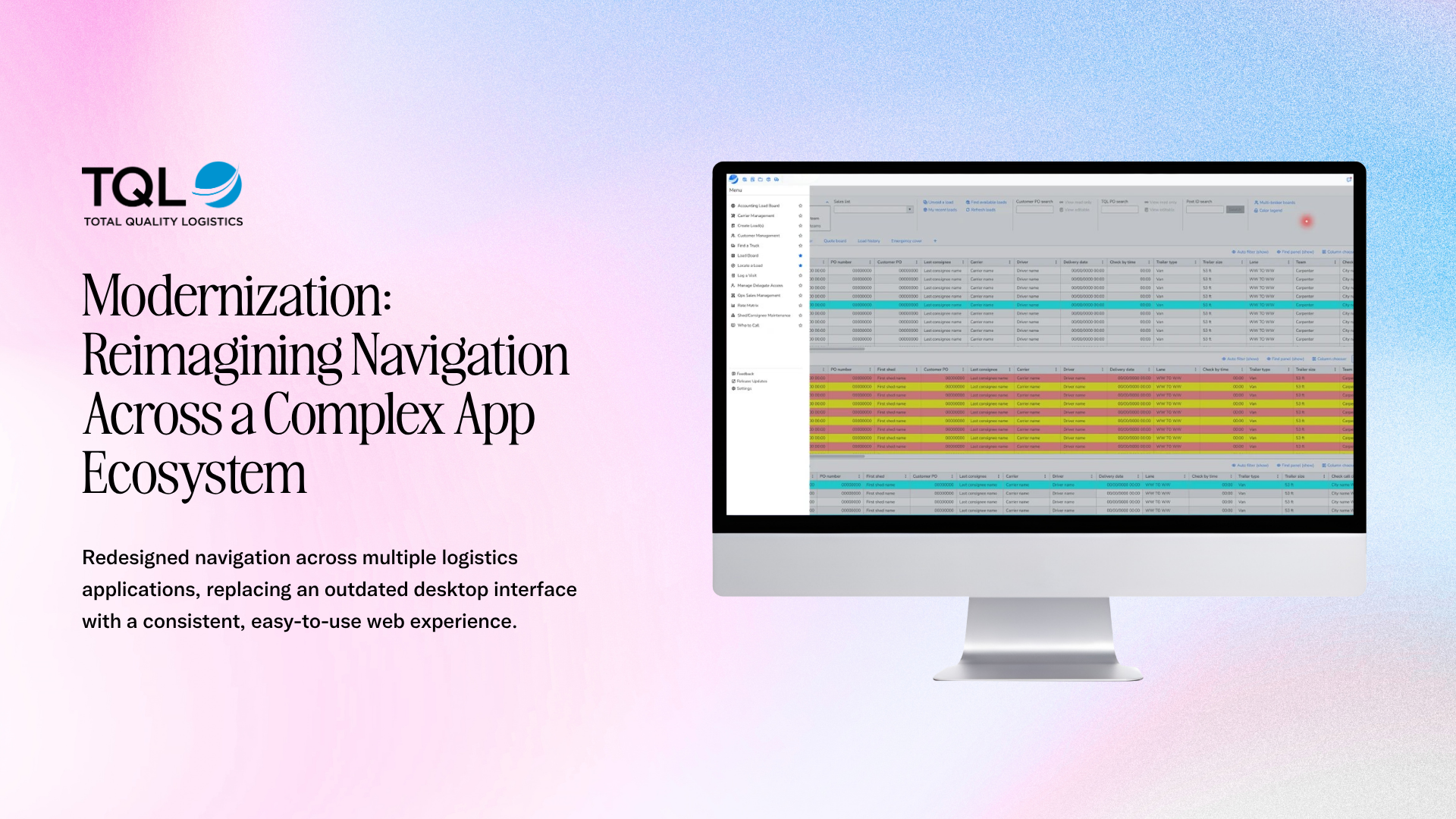
TQL was moving logistics workflows from WinForms to the browser. The work spanned how National Sales opened applications, how departments shared carrier information, and how teams handled messages and calls during active logistics work.
- Design direction
- Move navigation to the side to give logistics screens more room
- Outcome
- The new Load Manager navigation rolled out to National Sales with role-based access and starred-app shortcuts. Engineering implemented the AfterHours Messaging design using the same Kendo components I used in Figma.
- Delivery status
- Navigation rolled out to National Sales, and AfterHours Messaging was implemented. I updated shared components for Carrier Management and handed off Screen Pop designs to Product and Engineering.
- Key constraint
- Keep familiar shortcuts and access rules, respect departmental ownership of shared data, and design within the component library and scope available to Engineering.
- Team
- Product, Engineering, Design
My role
What I owned.
I led discovery, requirements, and interaction design for the shared navigation shell. I took on Carrier Management during a staffing transition, led design for messaging and call handling, and worked with Product and Engineering through scoping, handoff, and design QA.
Discovery
Follow the work across applications
I interviewed sales leaders and their assistants and shadowed them as they moved between applications. I used those observations to define what the shared shell needed to handle, including where people entered each application, which shortcuts they relied on, and how access varied by role.
The work covered two areas that touched the same daily workflows. Common Components included the navigation shared across applications. Carrier Management covered tools for tracking, vetting, and communicating with carriers.
Global navigation
Move navigation to the side to give logistics screens more room
I reviewed the horizontal-menu concept with sales-floor users, then recommended a vertical menu. It gave operational screens more room and preserved the starred apps and role-based access people relied on.
I worked through requirements and technical trade-offs with Engineering in whiteboard sessions and reviewed the build for design and functional fidelity. TQL presented the navigation company-wide and rolled it out to National Sales.
Carrier Management
Give each department control of the carrier data it owns
The carrier information card served multiple departments. I mapped what each team needed to see and what it was responsible for editing. I carried those permissions into related screens and updated the shared component library so the behavior could be reused.
I took on this work alongside Common Components during a staffing transition. I onboarded the incoming designer and walked them through the decisions and reusable patterns so they could own the Carrier workstream independently.
AfterHours Messaging
Keep the conversation beside the load
I interviewed the AfterHours team and followed the handoff from carrier messages to Sales. I kept the load details beside the conversation and made it easier to see who had responded and which messages still needed attention.
I designed in Figma with the Kendo components Engineering used in Storybook, and the team implemented the redesign one-to-one. I left high-fidelity concepts for managing custom Quick Messages for a later phase.
Screen Pop on Ring
Preserve call handling and document what needed a second phase
I delivered Kendo-based screens, interaction states, and research to Product and Engineering for the first phase. The design preserved the familiar call-handling workflow. I documented recurring caller identification and call-state issues and prepared concepts for clearer caller verification and related load context.