Customer tab — comparison view

Total Quality Logistics (TQL)
Research
I documented the existing application and interviewed users about current behavior, friction, and useful features. The work included identifying callers and finding the order or other context needed during the conversation.
I organized research alongside the screens in Figma so designers, changing Product Managers, and development teams could refer to the same behavior and reasoning.

Design decisions
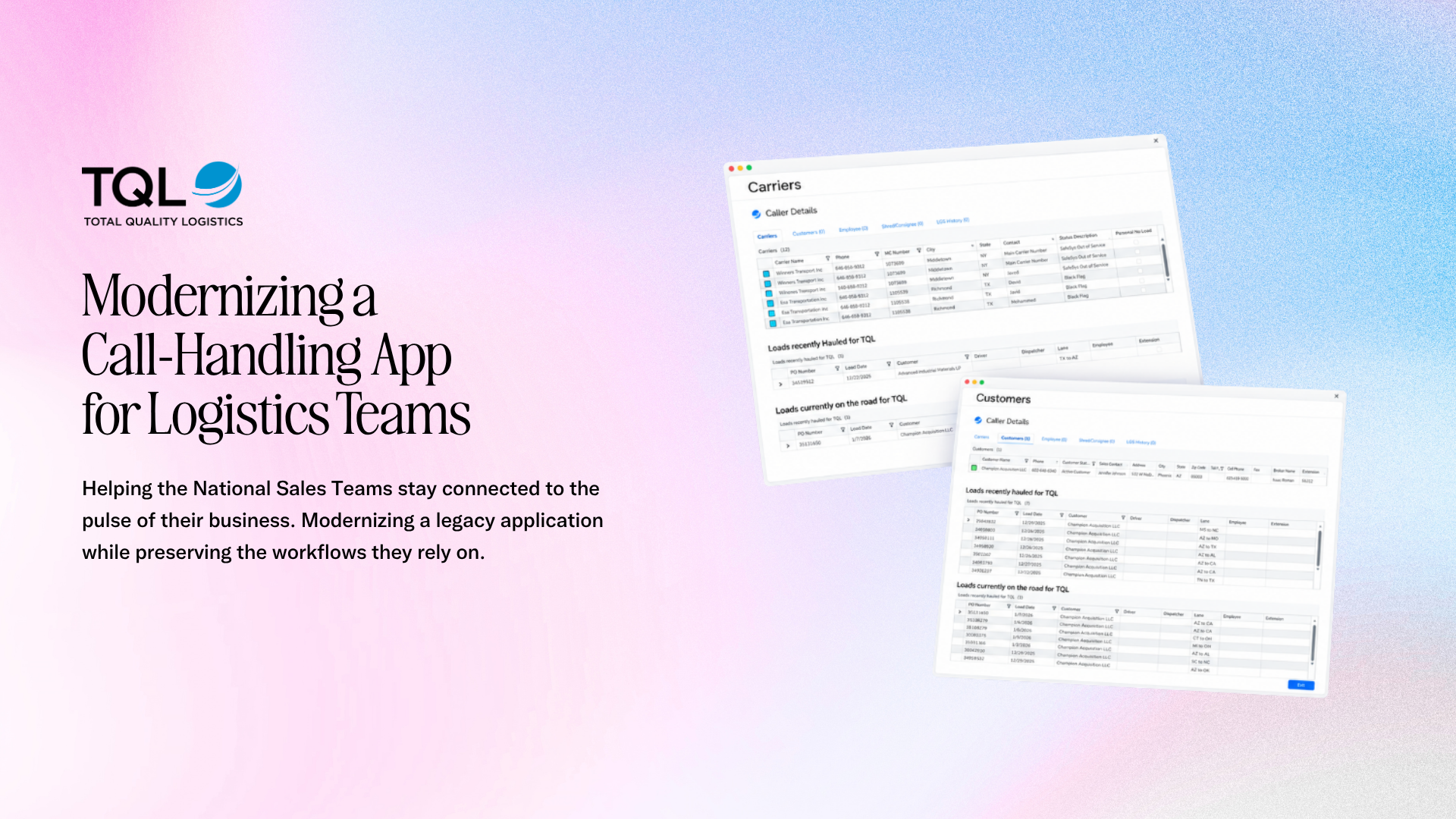
The immediate brief was to modernize what was already there. I translated the existing experience into Kendo components and separated changes within that scope from opportunities requiring a broader redesign.
This kept the implementation reference grounded in the familiar call-handling workflow.

Design decisions
I kept caller information, recent loads, and active loads in a consistent structure across carrier and customer tabs. The record type changes; the call-handling pattern stays familiar.
Delivery
The deliverables included modernized screens, components, state references, and legacy documentation alongside the research. That shared Figma reference supported communication across Product and Engineering as the work moved between partners.
Product judgment
Screen Pop on Ring was the telecommunications application used across the sales floor for carrier and client calls. Modernization had to fit the Kendo components available while avoiding an unnecessary shift in familiar behavior.
I captured recurring problems and user needs alongside the designs. I separated improvements within the current brief from future-state recommendations, leaving a foundation for the next designer rather than passing legacy friction into the new interface.
Complete boards and additional screens behind the selected details above. Enlarge any artifact to inspect it at full size.


